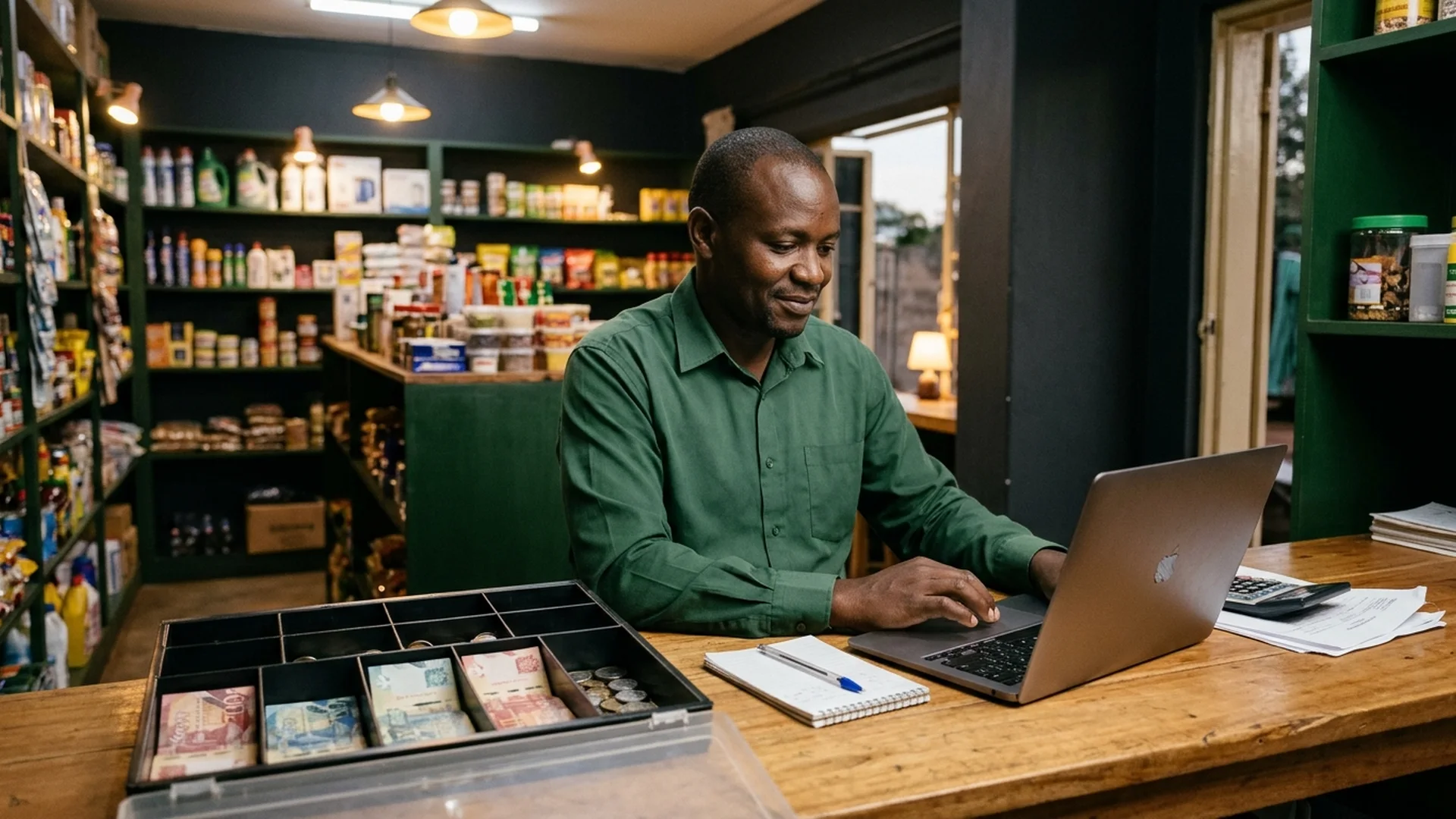
The practical point of sale built for Kenyan retail shops, mini-markets, and furniture stores. Ring up cash and M-Pesa sales, track low stock, prevent till leaks, and reconcile every shilling — 100% offline, on Android and Linux.
The hardest part of retail shouldn't be fighting a paper counter book
After twelve hours of serving customers at the counter, manual notebooks, scratchpad calculations, and untracked cash expenses create evening stress. Did the till balance? Did shelf stock match what was sold? Where did the margin slip away?
The Turning Point: Clear Records Replace Guesswork
When every counter sale, live shelf quantity, and cash expense lives in one structured system, closing time shifts from hours of exhaustion to calm, five-minute clarity.
Inside the app
A counter till that keeps ringing when the network drops
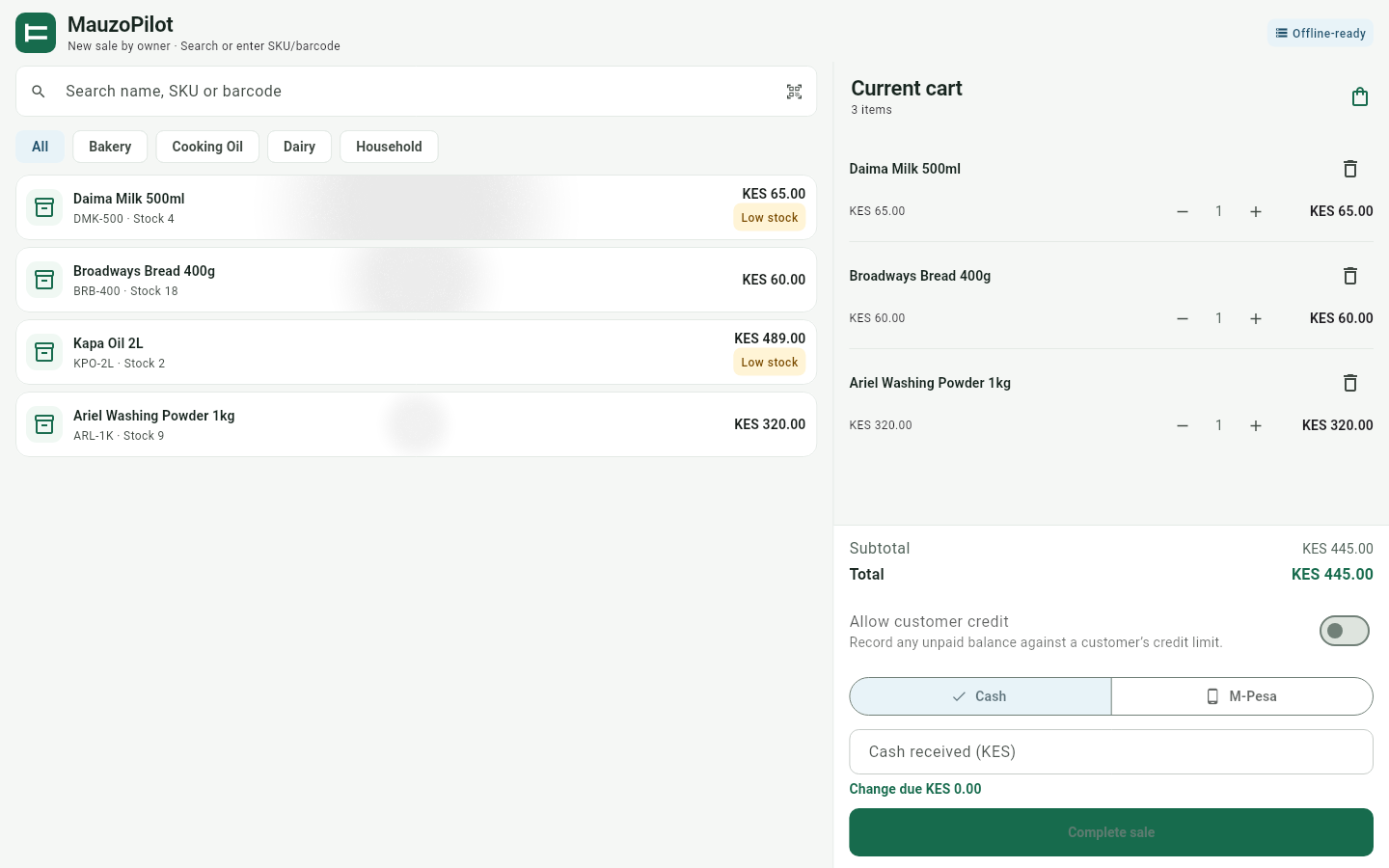
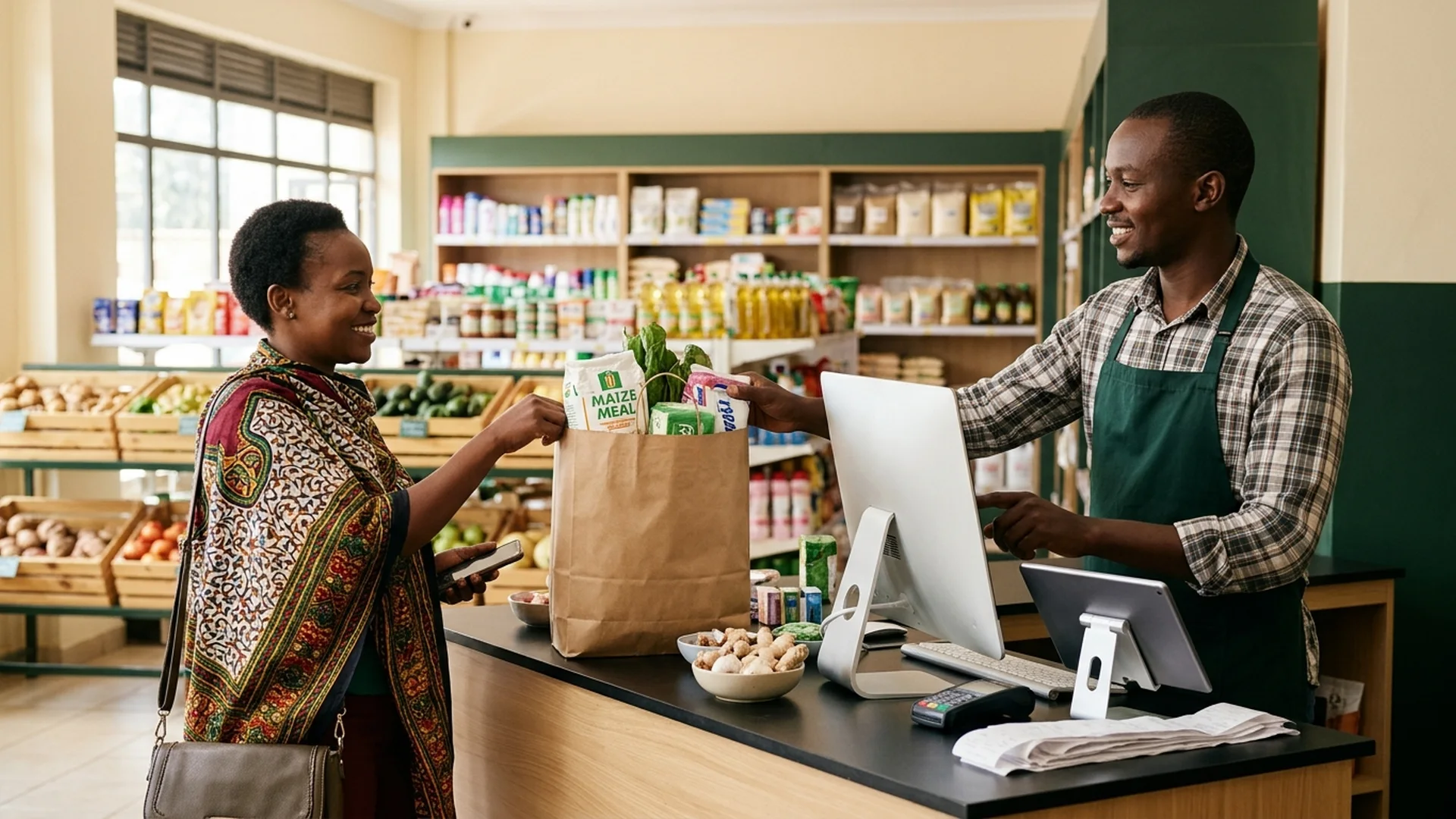
Search products by barcode or SKU, record cash with calculated change, and log M-Pesa with transaction references. The sale commits locally in milliseconds.
MauzoPilot — Fast Checkout & Cart
Built around how you actually trade
The daily problems a till should solve
Not a feature checklist — the three moments where small Kenyan businesses usually lose money, and how MauzoPilot handles each one.
Cash and M-Pesa in one sale record
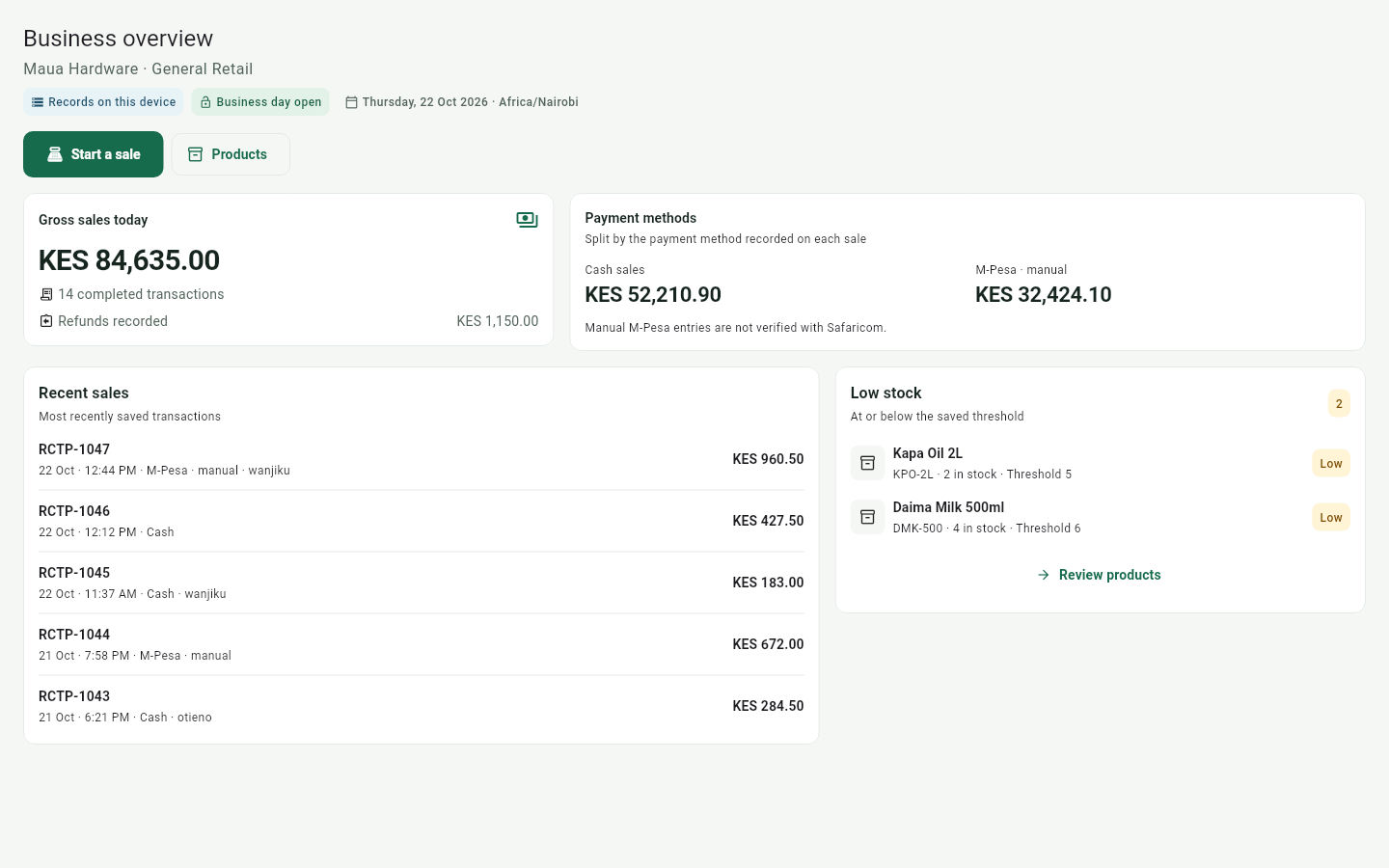
The till and the phone tell different stories at closing time. MauzoPilot records cash with automatic change and M-Pesa by transaction reference in the same sale, and shows the split on the dashboard every day.
Know what is running out before it costs a sale
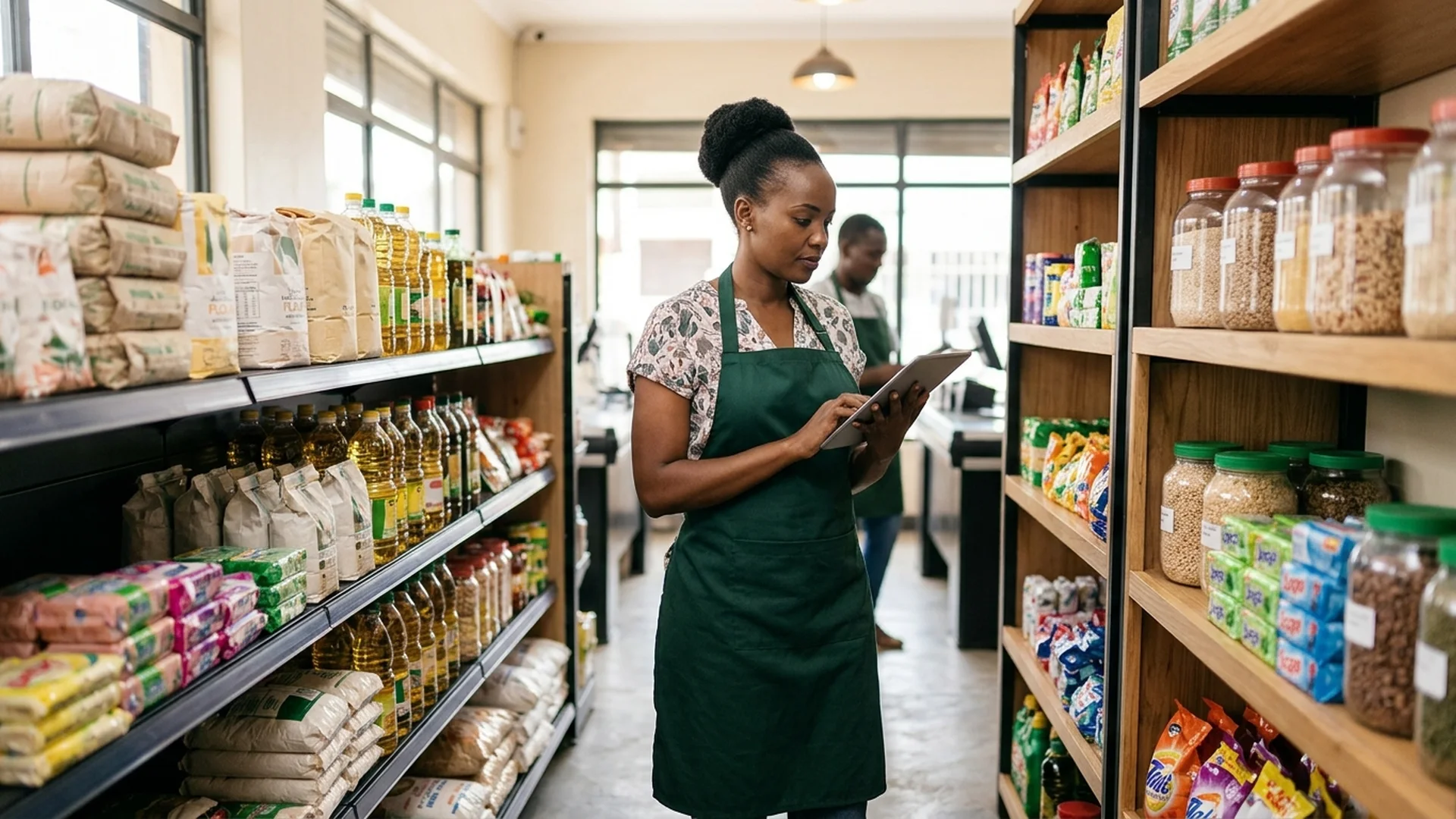
Set a low-stock threshold per product and the dashboard flags what is running low. Movements and adjustments carry notes, and physical stocktakes are counted and finalized — so the number in the app matches the shelf.
Close the day knowing what should be in the till
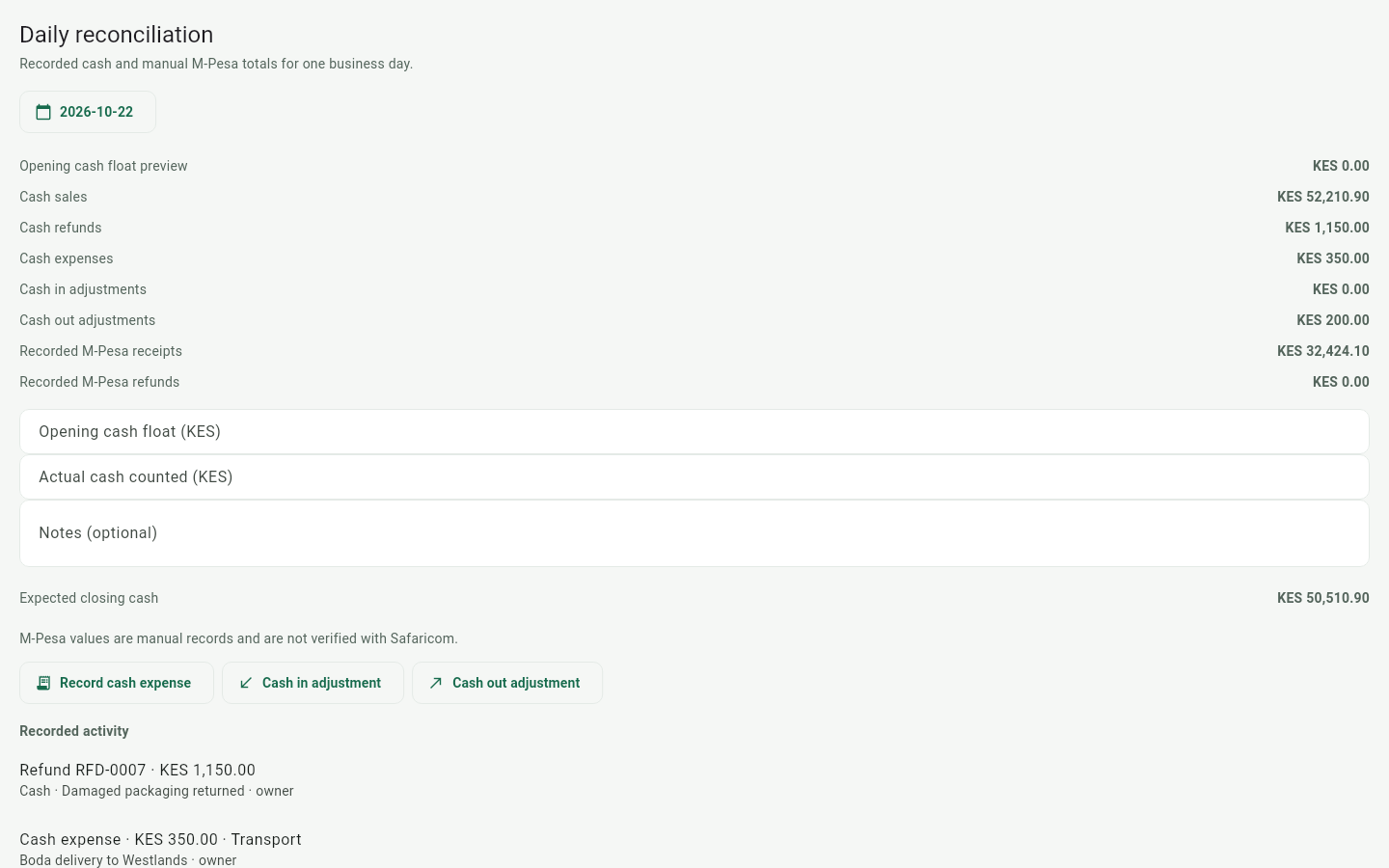
Reconciliation walks from your opening float through sales, refunds, and expenses to the cash you count, and shows the variance. M-Pesa receipts and refunds are tracked separately, and a day can only be closed once.
What MauzoPilot does
One app from the counter to the stock room
Every feature works offline first. See the detail on the features page or walk through the screens on the tour.
Sales in KES
Cash with automatic change, M-Pesa by reference, receipts copyable in-app.
Dashboard, checkout, and reconciliation — the screens you will touch most. The tour walks through each one and the rest of the app.
MauzoPilot — Dashboard
The day at a glance, the moment you open the app
Gross sales for today, the cash-versus-M-Pesa split, refunds, recent sales, and low-stock alerts — all from data recorded on the device, all readable in seconds.
A cart, a price, and correct change — even offline
Find products by name, SKU, or barcode scan; take cash and the change is calculated for you, or record an M-Pesa payment by its reference. The sale is stored locally in KES before the network even matters.
Walk from opening float through sales, refunds, and expenses to the cash you count. Variance is shown plainly, M-Pesa is reconciled from your manual receipts and refunds, and a day can only be closed once.
MauzoPilot is built for real connectivity — power cuts, dead zones, busy-hour bundles — and we are straight with you about where the limits are.
Works fully offline
Selling, refunds, expenses, stock movements, stocktakes, purchase orders, customer credit, reconciliation, reports, and the business assistant all run on the local database — no connection required.
What sync does
When you are signed in and online, a retrying outbox sends recorded changes to your business's cloud account. Sync is eventually consistent, not realtime. Keep a local backup.
What needs internet
Creating your account and signing in, cloud sync itself, and the optional Ollama-model connection for the assistant. Day-to-day trading keeps working without any of them.
Sales, refunds, and reconciliation commit to the local database in one transaction, so a half-finished sale never becomes a half-recorded one.
Use cases
From a counter in Kawangware to a furniture floor in Industrial Area
Same app, different rhythm. Here is how three typical businesses use it in a day.
Retail shop & duka
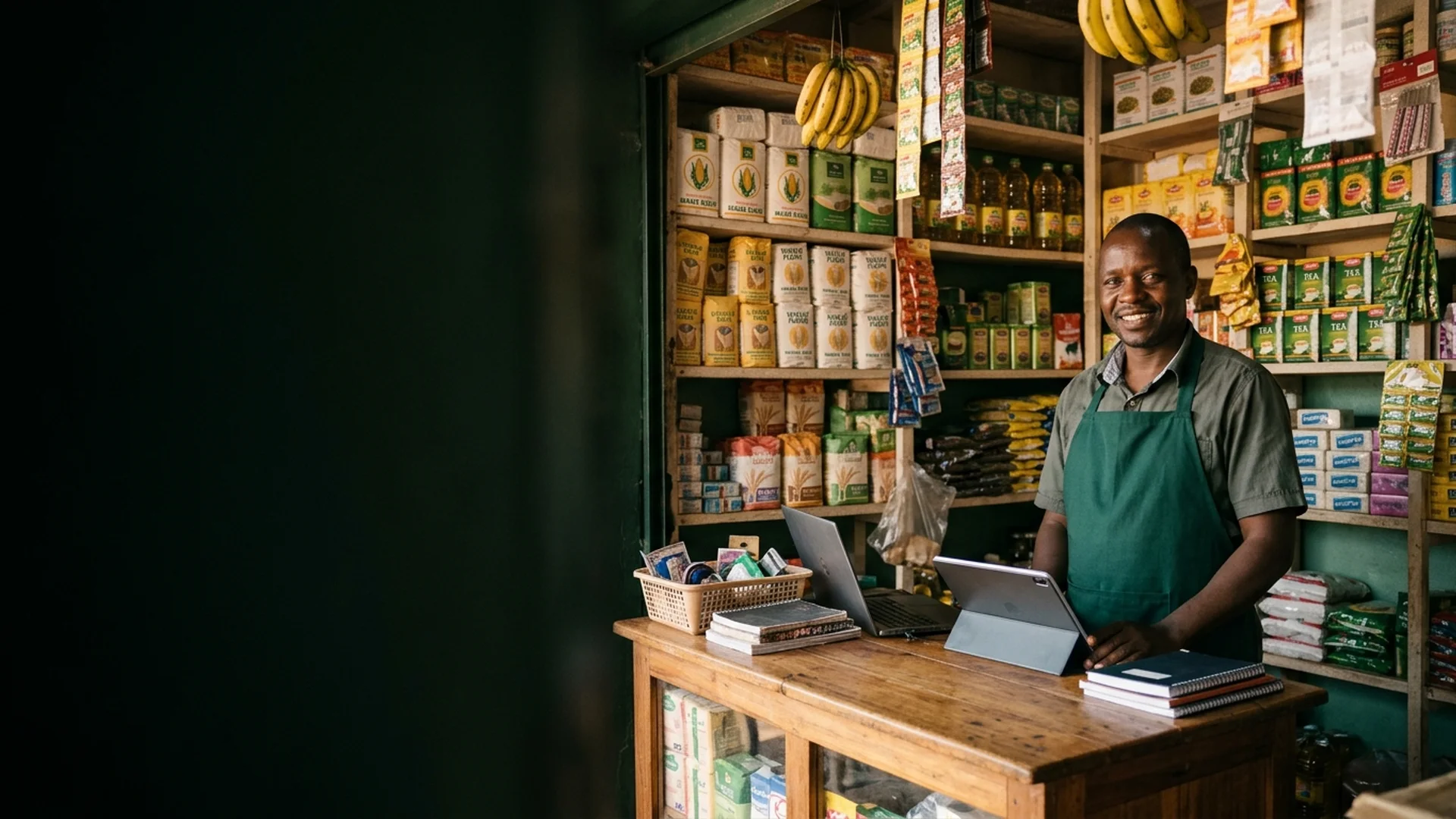
A customer walks in, you find the item by name or scan its barcode, take cash or M-Pesa, and hand over correct change. Low-stock alerts tell you what to reorder before the shelf empties — even on days the network is down all afternoon.
Mini-market
Run the counter fast: search a large catalog, record M-Pesa payments by reference, and hand staff accounts to each cashier. At day end, one reconciliation per day closes the till — with the cash-versus-M-Pesa split already counted for you.
General merchant & distributor
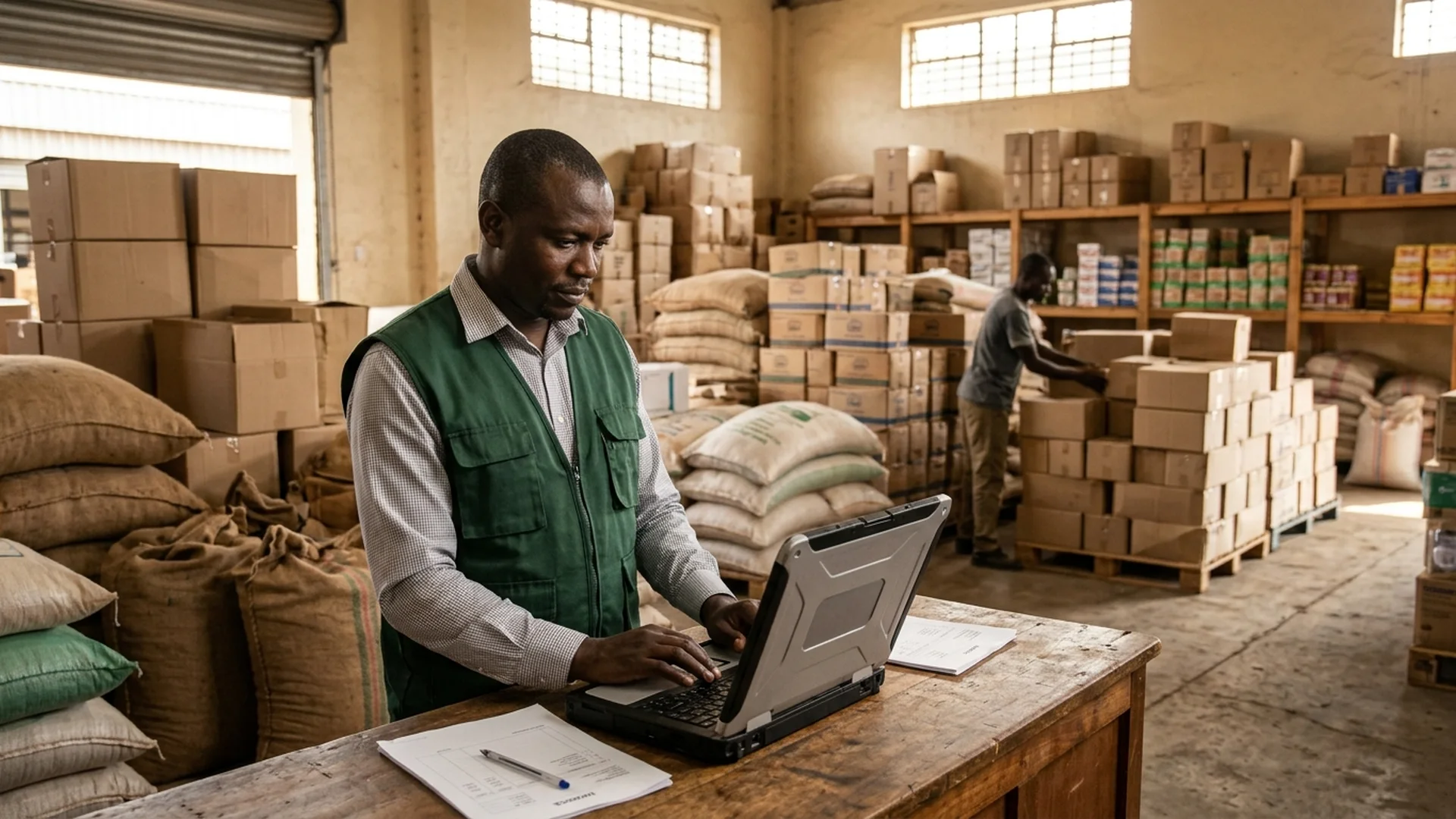
Manage hundreds of SKUs, bulk cartons, and fast-moving restock decisions across busy trading days with structured catalogs, CSV sales exports, and local SQLite backups.
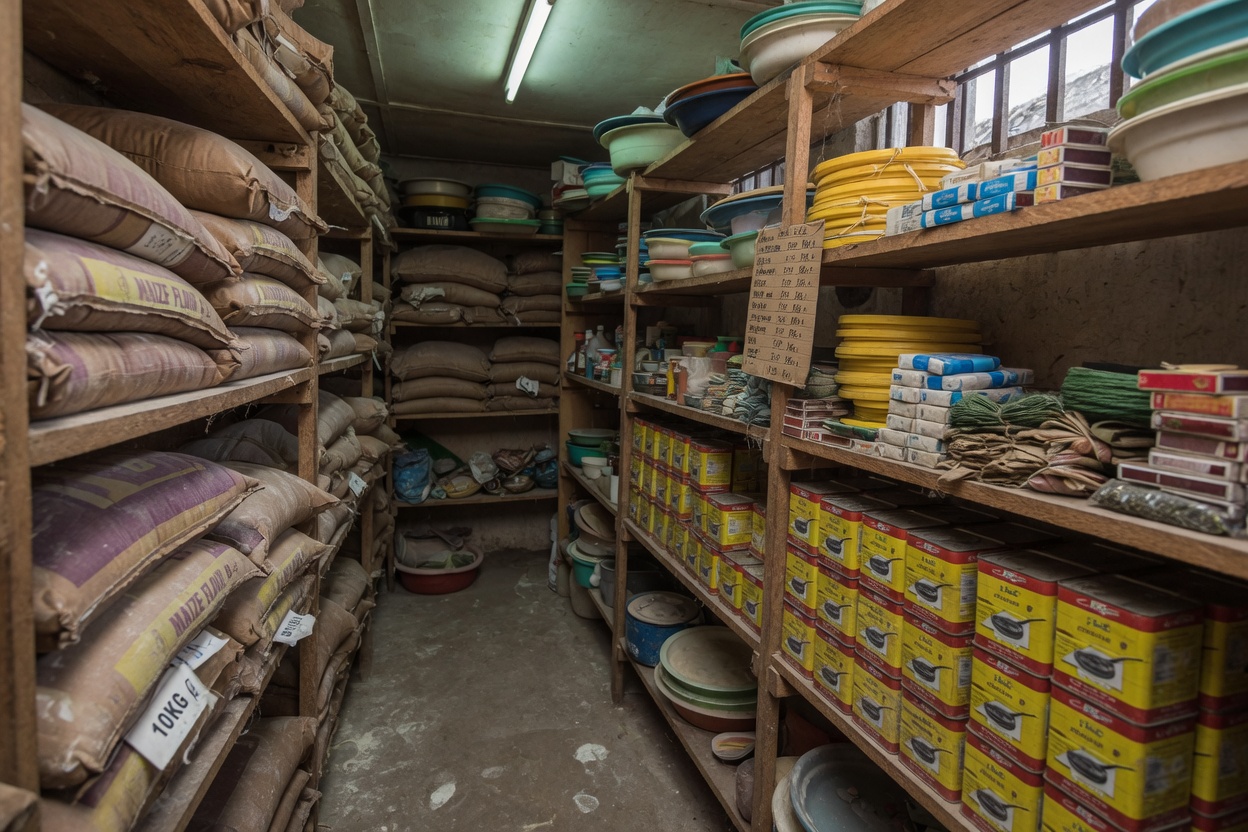
From the street to the stock room
Built for shops that stay open
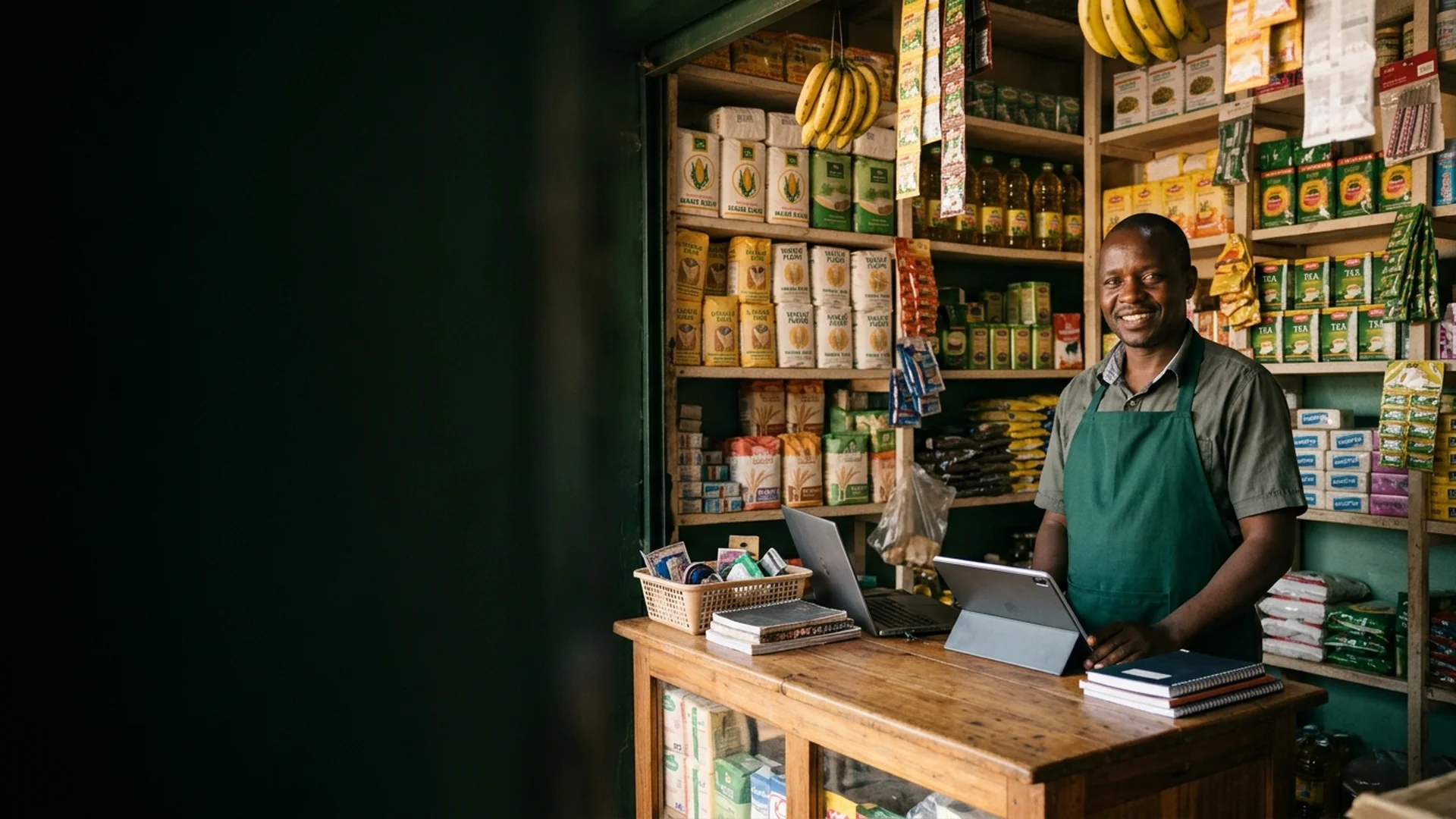
The product is software. The work it serves is physical — counters, shelves, and closing time.
Getting started
From setup to daily reports in five steps
1
Set up your business
Register once — your account and business are created together, as general retail, furniture, or both.
2
Add or import products
Enter products in the app or import a CSV with prices, SKUs, and opening stock.
3
Record sales
Ring up cash or M-Pesa sales at the counter — the same online or offline.
4
Monitor stock and expenses
Watch low-stock alerts, receive supplier orders, and log expenses and cash movements.
5
Review and reconcile
Check the dashboard and sales history, then close the day with a cash and M-Pesa reconciliation.
The short honest answers. The full list lives on the FAQ page.
Yes. Sales, refunds, expenses, stock, reconciliation, and the assistant all run on a local database on the device. Cloud sync is eventually consistent and only happens when you are online.
Android (signed APK) and Linux (Debian package) are available on the Downloads page. Windows is in progress. Daily selling happens in the apps, not in the browser.
Yes. Products export to CSV, and one tap creates a database backup file. Restoring validates the file first and keeps a recovery backup before anything changes.
You complete the payment on your M-Pesa till or phone as usual, then record the transaction reference and amount in the checkout. The amount must match before the sale is accepted, so the record stays accurate.